App Overview

CrickBet app: what the desk is actually reviewing

The CrickBet app, in plain language, is a fantasy cricket contest platform. This page is not the operator's marketing copy. It is an editorial field-desk reading of what the app is, what its core surfaces are, and what a sensible reader checks before they install it. We cover the match-research routine, the device readiness checklist, and the session-limit habit.

An adult at the boundary of a cricket ground holding a smartphone in morning light CrickBet
A cricket follower with a notebook and a smartphone in shaded stadium seating
Surface 01

The match-research routine

Most fantasy players spend more time on the match-research routine than on the team-selection screen. A good routine starts the morning of the match and ends about twenty minutes before toss. The four steps below are the kind of routine our desk runs before every fixture.

  • 1
    Read the pitch report. A 180 chase is a different game than a 220 chase. The pitch report sets the ceiling and floor of the score.
  • 2
    Cross-check the playing XI. Fantasy points are zero for a player who is rested. The official app confirms the XI first.
  • 3
    Pick captain and vice-captain last. Build the rest of the team first. The captain is a multiplier, not a hero.
  • 4
    Lock with twenty minutes to spare. Last-minute changes often cause more harm than good.
Surface 02

Device readiness, the quiet step

Fantasy contests fail for boring reasons more often than for dramatic ones. A phone at 4 percent battery, a half-full storage, and a flaky mobile network are the small things that turn a careful selection into a panic-tap. The desk treats device readiness as part of the research routine, not a separate chore.

  • A
    Battery above 30 percent. Locking a team takes about five minutes. A low-battery phone is an avoidable risk.
  • B
    Storage check. The app should be on the latest version. Check the storage column in the phone settings once a month.
  • C
    Trusted network. Public Wi-Fi is fine for browsing but not for account login. Use a home or mobile network.
  • D
    Backup the essentials. Use the phone's cloud backup for contacts and notes. The app does not store your account password.
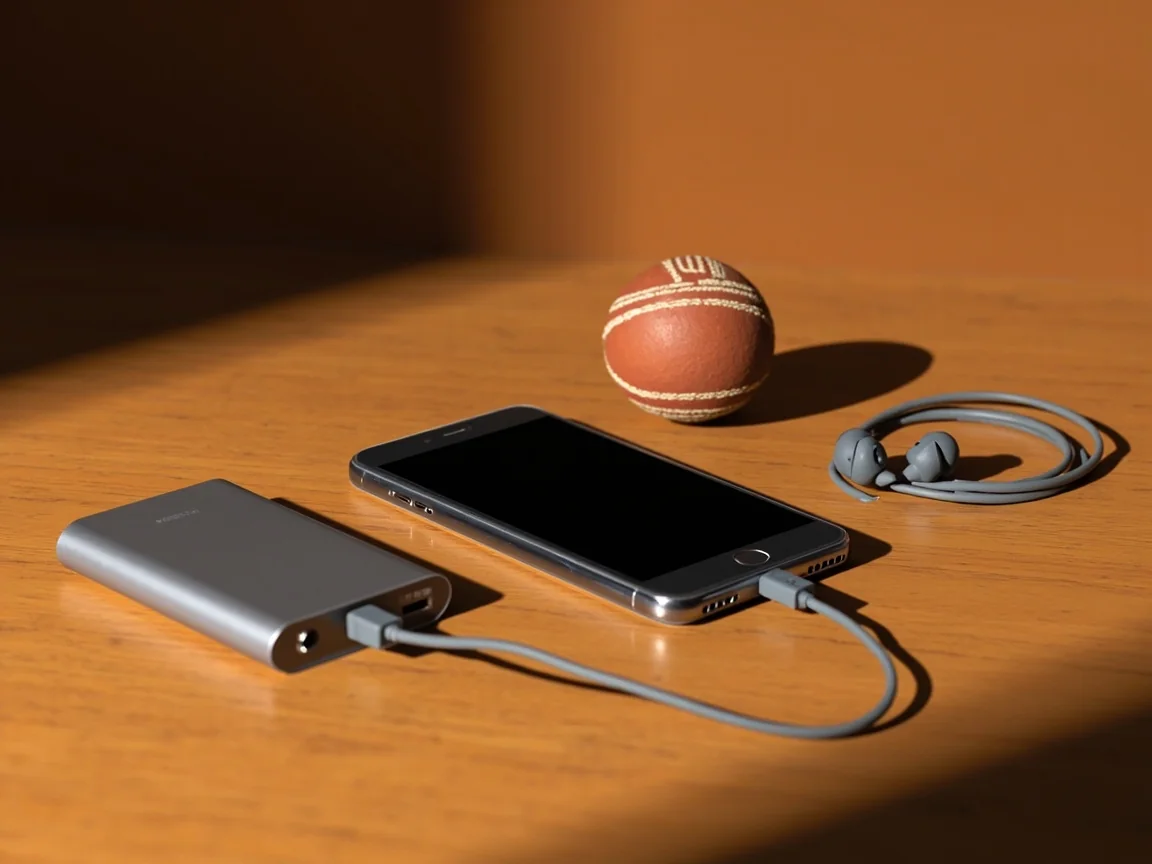
A smartphone, power bank, earbuds and a cricket ball on a warm wooden desk
A kitchen timer beside a face-down smartphone before a viewing session
Surface 03

Mindful session limits

Most readers who enjoy fantasy cricket across a season are readers who set a session limit. Twenty minutes of pre-match reading is plenty. More than that and decision fatigue starts to cost points. The desk uses a kitchen timer as a quiet reminder; the app's own session tools are equally good.

  • i
    Set a deposit limit before you sign in. Most apps allow a per-day or per-month deposit cap. The cap is a habit, not a punishment.
  • ii
    Use the in-app session tools. Reality checks and session timers are useful. Turn them on in the settings menu.
  • iii
    Pause when the contest stops being research. A losing streak is not a sign to chase. Pause and read the next day's pitch report.
Comparison

How the desk reads a fantasy app

SurfaceWhat it doesWhat the desk checks
Match listShows the day's fixturesFormat, start time, deadline, squad availability
Team builderLets you pick 11 from a squadCredits used, role balance, captain logic
Contest cardLists prize pool and entry feePayout structure, max entries, tie-breaker
WalletDeposit and withdrawalMinimum deposit, withdrawal rules, KYC status
Customer careHelp, complaints, KYCReal response time, escalation channel, language support
Common Questions

What readers ask the desk

Is the CrickBet app free to download?

Most major fantasy platforms are free to download, with paid contests optional. The desk recommends starting with practice contests before any paid entry. Verify the install path and the size on the official app store listing.

Does the app work on older Android versions?

Most platforms support a recent range of Android versions. The desk recommends keeping the phone on a supported version and updating the app when prompted.

Can I use the app on a tablet?

Most apps work on a tablet in compatibility mode. A phone is the desk's preferred device for fantasy contests because of portability and reliable network.

Does the app work on slow networks?

The desk recommends a stable 4G or home broadband connection. Slow networks increase the risk of a partial lock or a failed contest submission.

How do I update the app?

Use the in-app update prompt or visit the official app store listing. Avoid third-party APKs unless you have verified the source carefully.

Can I run multiple teams in one contest?

Most multi-entry contests allow several teams per user, up to a published maximum. The desk recommends keeping the team count manageable to avoid decision fatigue.

Where can I check the contest rules?

Open the contest card and tap the information icon. The public rules and tie-breakers are always listed there. Read them before you enter.

What happens if I uninstall the app?

Uninstalling does not close your account. Reinstalling on the same device and signing in recovers your wallet and contest history.

Get Started

The app is most useful when it is a reading habit.

Install the app on a trusted device, run a practice contest, and then decide whether to deposit.

Read the How-To Download the App
Editorial disclaimer. CrickBet Field Desk is an independent editorial publication. The desk does not run fantasy contests and does not hold player funds. We do not publish fabricated offers, phone numbers, or owner identities. Fantasy sport involves financial risk. Only users 18 and above should participate. Read our legality guide, set a personal entertainment budget, and play responsibly.
Download Open App