APK Guide

CrickBet APK: verify before you install

An APK is just an Android install package. The download itself is not the risk. The risk is downloading a modified APK from a mirror that is not the operator's own. This page walks through source verification, permission auditing, signature checks and update hygiene. The desk's preference is always the official app store listing, with an APK only when the store is unavailable on your device.

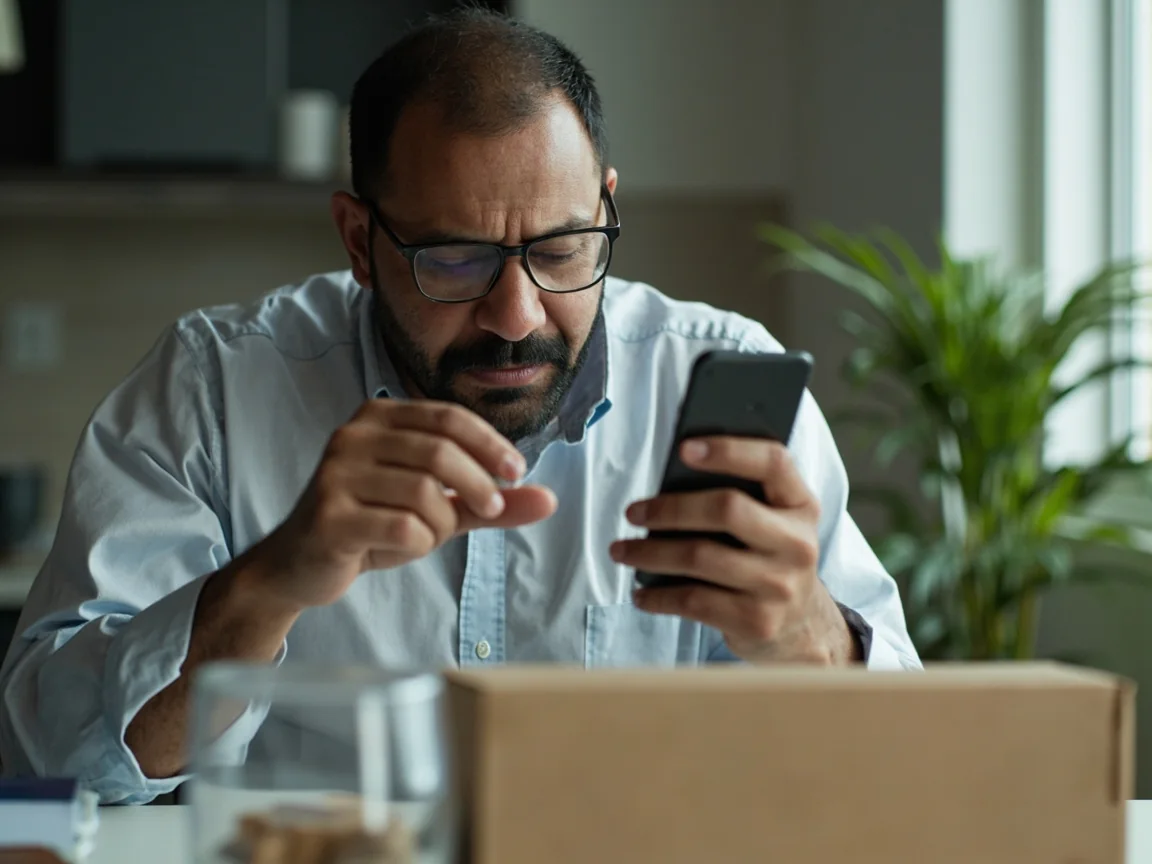
A reviewer inspecting a smartphone with a magnifying glass and a hardware security key CrickBet
A hand comparing a face-down smartphone with a sealed package and a security token
Step 01

Trusted source first

The single most important step in any APK install is the source. The desk's rule is simple: only install APKs that come from the operator's official site or the Google Play listing, and only when the store is unavailable on the device. A modified APK from a third-party mirror is the easiest way to lose an account.

  • 1
    Prefer the official app store. Google Play is the desk's first choice. Use it whenever available.
  • 2
    If the store is unavailable, use the operator's own site. Type the official domain yourself and follow the install link there.
  • 3
    Avoid third-party mirrors. Repackaged APKs are the most common route to a compromised account.
  • 4
    Compare the file size. A version that is much smaller or larger than the official listing is a red flag.
Step 02

Permission audit before install

Android will warn you about the permissions an APK requests before install. Most fantasy apps need network access, notifications and storage. Anything beyond that is a question. The desk reads the permission list as carefully as the desk reads a contest card.

  • A
    Network access. Required for contest sync, login and live scores.
  • B
    Notifications. Useful for match alerts and contest deadlines.
  • C
    Storage. Useful for offline contest cards and cached team selections.
  • D
    What to refuse. A fantasy app has no business with your contacts, microphone, camera, or location. Reject if asked.
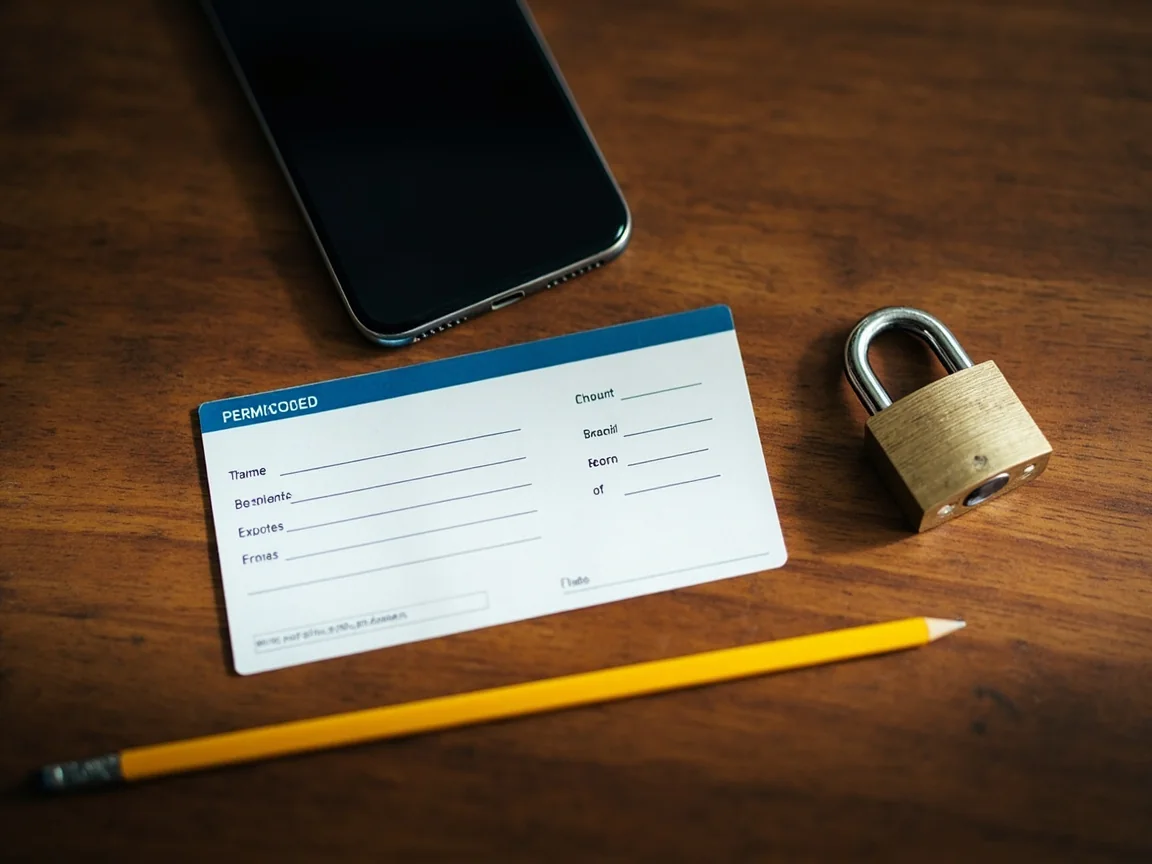
A blank permission card, pencil, smartphone and padlock on a warm desk
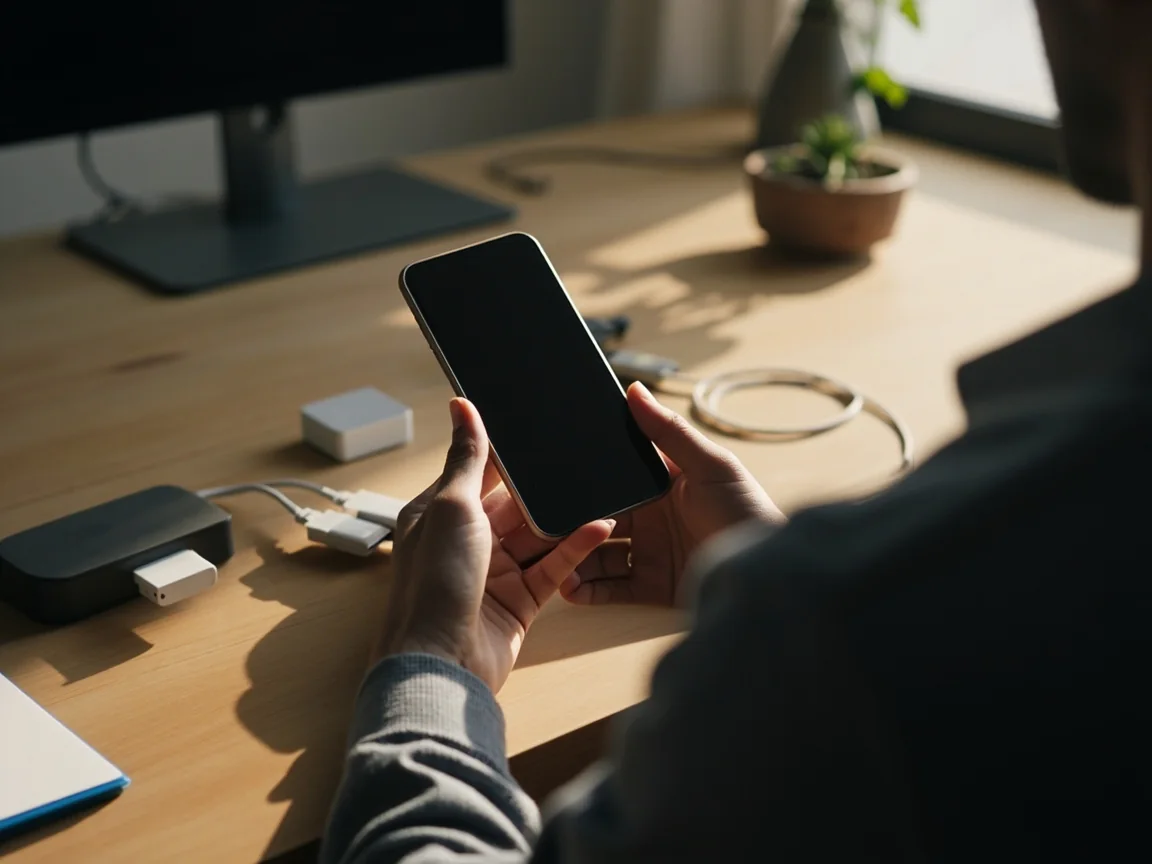
An adult backing up a phone beside an external drive and charging cable
Step 03

Update hygiene and device backups

An APK install is also a good moment to check the rest of the device. Make sure the OS is current, the backups are running, and the storage is healthy. The desk runs this habit before any install, not just fantasy apps.

  • i
    OS update check. Settings, then Software Update. Apply security patches as soon as they are available.
  • ii
    Cloud backup. Verify contacts and notes are backed up. The app does not store account credentials on the device.
  • iii
    Storage health. A phone with under 10 percent free storage behaves unpredictably. Clear the cache folder.
  • iv
    Plan the next update. Note the install date so you know when the next official update should land.
Reading Order

What to read alongside the APK guide

Common Questions

What readers ask the desk

Why would I need an APK at all?

Most readers do not. The official app store listing is the desk's first choice. APKs are useful only when the store is unavailable on the device, such as on certain older or restricted phones.

How do I verify the source of an APK?

Only download from the operator's official site, typed manually, or from the Google Play listing. The desk treats third-party mirrors as a default no.

What is the SHA or signature check?

A signature check confirms the APK was signed by the operator's published key. The desk treats signature mismatches as a hard red flag and aborts the install.

Can I side-load an older version of the app?

The desk does not recommend running an old version. Out-of-date apps miss scoring fixes and security patches. Use the latest official build.

Will the APK install overwrite the existing app?

An official APK signed with the same key will update the existing app and preserve your account data. A modified APK from an unofficial source will not, and may replace the app entirely.

What if the install fails after the download?

Free up storage, switch to a stable network, and verify the file size against the official listing. Do not retry on a mirror. Clear the partial file first.

Is there a desktop version?

Most platforms are mobile-first. Some offer a web companion. The desk uses the official app as the source of truth for any contest decisions.

How often is the APK updated?

Updates vary. The desk recommends enabling auto-update in the official app store and checking the operator's site quarterly for any version notes.

Get Started

An APK install is a small habit with a clear order of operations.

Source first, signature second, permissions third. The desk is here to help you build that habit.

Download Guide Customer Care
Editorial disclaimer. CrickBet Field Desk is an independent editorial publication. The desk does not run fantasy contests and does not hold player funds. We do not publish fabricated offers, phone numbers, or owner identities. Fantasy sport involves financial risk. Only users 18 and above should participate. Read our legality guide, set a personal entertainment budget, and play responsibly.
Download Open App